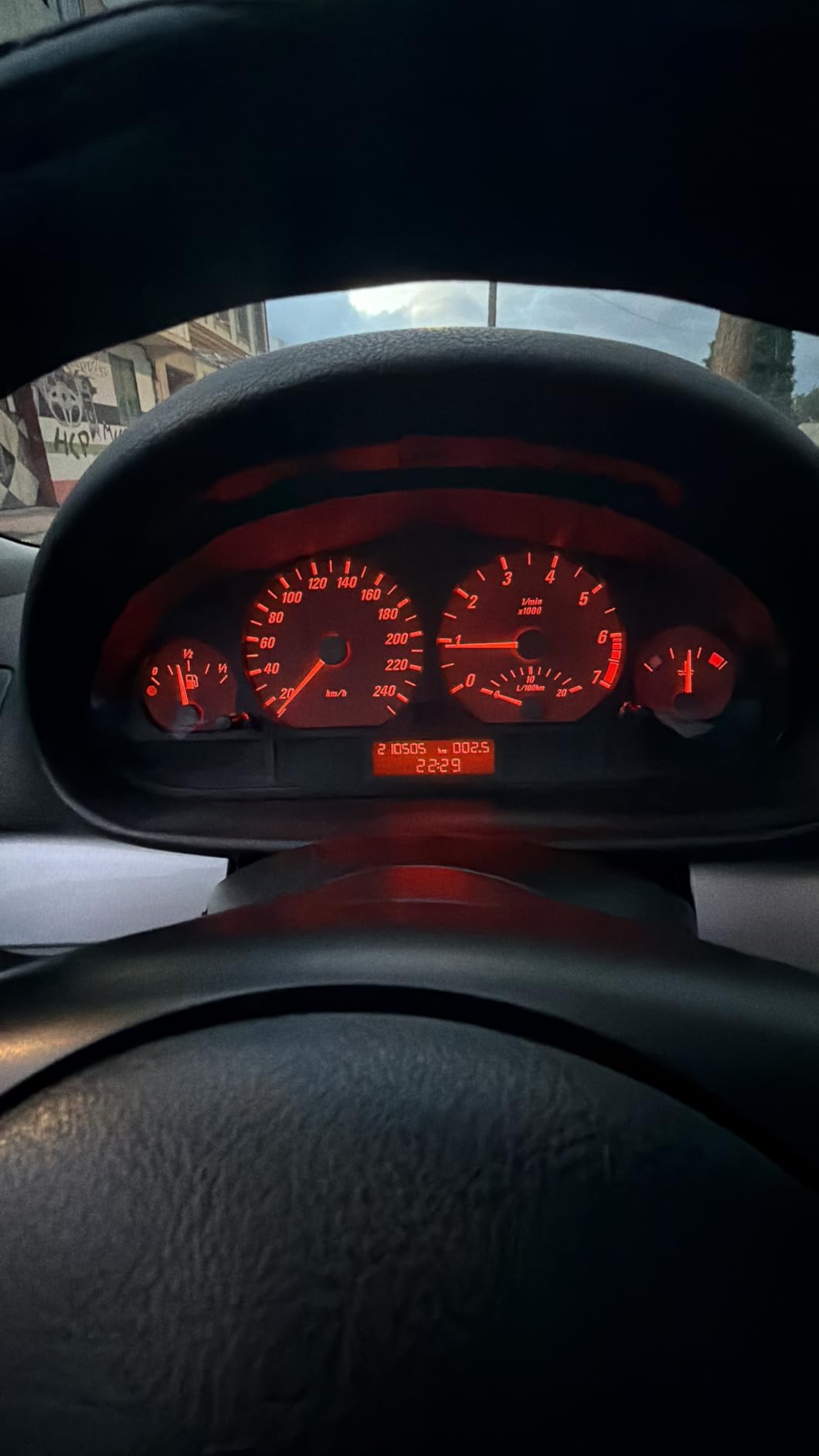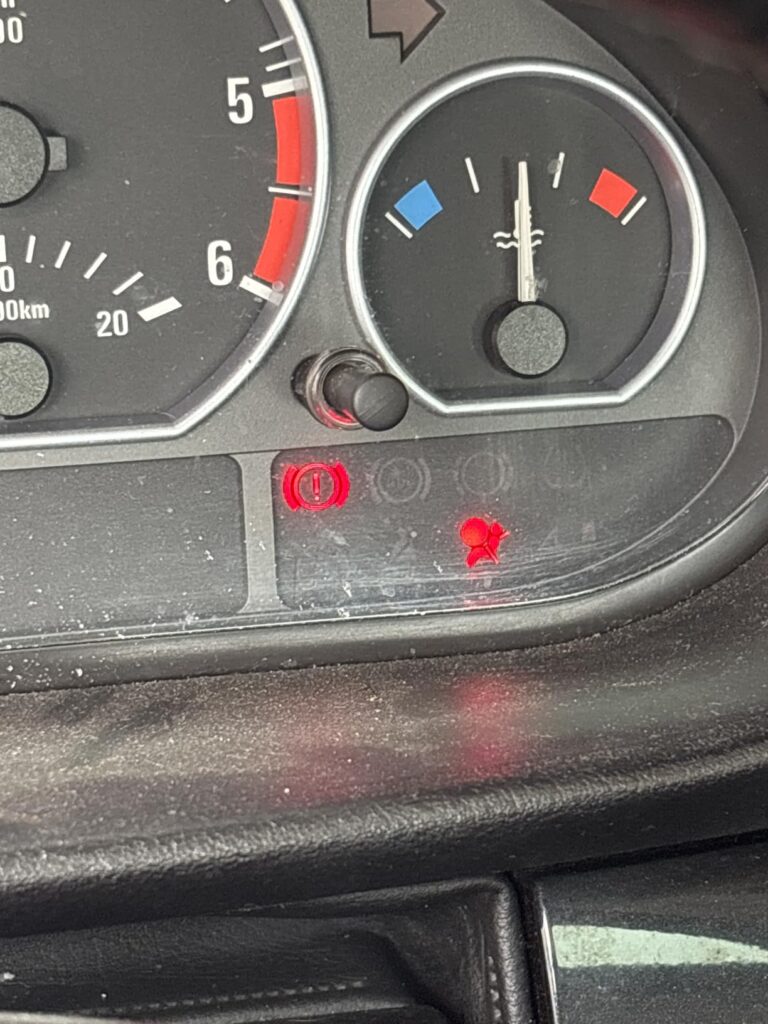
If your BMW airbag warning light stays on, one of the most common causes is a failed passenger seat occupancy sensor. This problem appears frequently on older BMW models such as the E46, E39, E36, and E53, and it can become frustrating because the car may still drive normally while the SRS warning remains active.
Many BMW owners search for a solution because replacing the original seat occupancy sensor can be surprisingly expensive. A BMW seat occupancy sensor emulator is one option that some owners consider, but it is important to understand what it does, why the fault happens, and the potential safety considerations before making a decision.
What Causes BMW Seat Occupancy Sensor Failure?
The seat occupancy sensor is a pressure-sensitive component located inside the passenger seat cushion. Its job is to detect whether someone is sitting in the passenger seat so the airbag control module can make decisions about passenger airbag deployment.
Over time, these sensors can fail because of:
1. Repeated Pressure and Movement
Every time someone sits down, the sensor experiences pressure changes. After many years of use, the internal wiring or sensor material can wear out.
2. Seat Movement
BMW seats are frequently adjusted forward, backward, and up or down. Continuous movement can stress wiring connections underneath the seat.
3. Damaged Connectors
The wiring connectors under the passenger seat are exposed to movement and vibration. Loose connections or damaged wiring can trigger an SRS fault.
4. Age-Related Failure
Many BMW models from the 1990s and early 2000s are now more than 20 years old. Seat occupancy sensors are common failure points on these vehicles.
Why BMW Dealership Repair Is Expensive
The biggest complaint from BMW owners is not the failure itself—it is the repair cost.
Replacing the original seat occupancy sensor usually requires removing the seat and replacing the sensor mat inside the cushion.
Typical costs:
BMW Dealership Repair
- OEM seat occupancy sensor: $300–$700
- Labor: $300–$800
- Diagnostic fee: $100–$200
Total dealership cost:
Approximately $500–$1,500
For an older BMW worth only a few thousand dollars, many owners find this repair difficult to justify.
Independent BMW Specialist
A BMW repair shop may charge less:
- Parts: $200–$600
- Labor: $200–$500
Total:
Around $400–$1,000
Seat Occupancy Sensor Emulator Option
Some BMW owners choose a replacement module commonly sold as a seat occupancy sensor emulator.
Typical cost:
- Emulator module: $20–$30
- Installation time: usually less than an hour
Compared with a dealership repair costing hundreds or even over $1,000, the price difference is significant.
However, owners should understand that an emulator changes the signal received by the SRS system. It does not restore the original passenger detection function, so it should only be considered after understanding the safety implications and local inspection requirements.
What Is a BMW Seat Occupancy Sensor Emulator and How Does It Work?
A BMW seat occupancy sensor emulator is a small electronic module designed to communicate with the airbag control system when the original seat sensor has failed.
In simple terms:
- The original sensor detects passenger seat occupancy.
- A failed sensor sends an incorrect signal.
- The airbag control module detects a fault and turns on the warning light.
- The emulator provides a replacement signal to the system.
The purpose is to remove the sensor-related fault signal and allow the SRS system to recognize the circuit correctly.
Many BMW owners use these devices when repairing an older vehicle where replacing the original seat sensor is too expensive.
Important Safety Note Before Installation
The airbag system is a critical safety system.
A seat occupancy sensor affects how the passenger airbag system responds during a crash. Before installing any emulator, BMW owners should understand:
- It may change the original passenger detection behavior.
- It may not be suitable for every situation.
- Local vehicle inspection rules may vary.
- Always diagnose the actual SRS fault before replacing parts.
A warning light should not simply be ignored. The correct repair depends on the actual fault code stored in the airbag module.
Basic Installation Guide (General Overview)
Installation methods vary depending on the BMW model and emulator design. Always follow the instructions supplied with the specific product.
Step 1: Diagnose the Airbag Fault
Before installing anything:
- Use an SRS-compatible OBD scanner
- Confirm the fault is related to the passenger seat occupancy sensor
- Check wiring connections under the seat
A simple code reader may not access BMW airbag modules, so a BMW-compatible scanner is usually required.
Step 2: Install the Module
General installation involves:
- Turning off ignition
- Following proper airbag safety procedures
- Accessing the passenger seat wiring connector
- Connecting the emulator according to the manufacturer instructions
Do not work on airbag wiring without understanding the required safety precautions.
Step 3: Clear the Airbag Error Code
Installing the emulator alone usually does not immediately turn off the dashboard warning light.
After installation:
- Connect an appropriate OBD scanner
- Clear the stored SRS fault code
- Turn the ignition on again
- Confirm the warning light is no longer displayed
If the light returns, further diagnosis is needed.
BMW Models Commonly Associated With Seat Occupancy Sensor Problems
Seat occupancy sensor faults are frequently reported on many BMW chassis, including:
- BMW E34
- BMW E36
- BMW E39
- BMW E46
- BMW E38
- BMW E53 X5
- BMW E60
- BMW E61 Touring
- BMW E63
- BMW E64
- BMW E65
- BMW E66
- BMW E67
Compatibility depends on the exact year, airbag module, and connector type.
Always verify your vehicle information before purchasing.
Product Recommendation
If diagnosis confirms a passenger seat occupancy sensor fault and you have decided that an emulator is appropriate for your situation, choose a product designed specifically for BMW SRS systems.
Recommended items:
BMW Seat Occupancy Sensor Emulator
[PRODUCT LINK]
BMW Compatible OBD Airbag Scanner
A BMW-specific scanner can help read and clear SRS fault codes after repair.
[PRODUCT LINK]
Electrical Connector Tool Set
Useful for working with automotive wiring connectors.
[PRODUCT LINK]
FAQ: BMW Seat Occupancy Sensor Emulator
1. Will a BMW seat occupancy sensor emulator turn off the airbag light?
In many cases, yes, after the correct fault is diagnosed, the emulator is installed properly, and the stored airbag error code is cleared with a compatible scanner.
If the warning light remains, there may be another SRS fault.
2. How much does a BMW seat occupancy sensor repair normally cost?
A dealership repair can cost approximately $500–$1,500, while an emulator option may cost around $20–$30 plus any diagnostic tools required.
3. Do I still need an OBD scanner after installing an emulator?
Yes. The BMW airbag module usually stores the previous fault code. The code normally needs to be cleared after the repair.
4. Can I install a seat occupancy sensor emulator myself?
Many experienced DIY BMW owners can complete the process, but airbag-related work requires caution. Always follow proper procedures and understand the safety implications before working on SRS components.
5. Will this help pass vehicle inspection?
In regions where inspections check for an illuminated airbag warning light, fixing the warning light may help the vehicle pass inspection. However, inspection rules vary by location, so check your local requirements.
Final Thoughts
A BMW airbag warning light caused by a failed passenger seat occupancy sensor is a common issue, especially on older BMW models like the E36, E39, E46, and E53.
While dealership replacement can cost $500–$1,500, some owners look for lower-cost solutions such as a BMW seat occupancy sensor emulator. The key is proper diagnosis, understanding how the system works, and making an informed decision based on safety, regulations, and vehicle condition.
If your BMW SRS light is on, start by scanning the fault code, confirming the cause, and choosing the repair option that makes the most sense for your vehicle.
Check your BMW model compatibility, verify the correct part, and make sure you understand the repair before getting started.